Laptop Cleaning and Thermal Service: Small Maintenance, Big Difference
Dust buildup, dried thermal paste, and restricted airflow can quietly damage performance. Here is why preventive thermal service matters.
A slow laptop is not always an old laptop. Sometimes it is simply a machine fighting heat, dust, and poor airflow every day.
What usually goes wrong
Over time, fans collect dust, vents clog up, and thermal compound loses effectiveness. The result is predictable:
- higher temperatures
- louder fan noise
- reduced sustained performance
- thermal throttling
- sudden shutdowns during heavy work
Why this matters
Heat does not just affect comfort. It affects stability, battery health, and long-term component life. A system that constantly runs hot can feel unreliable even if the hardware is technically still functional.
What a proper thermal service includes
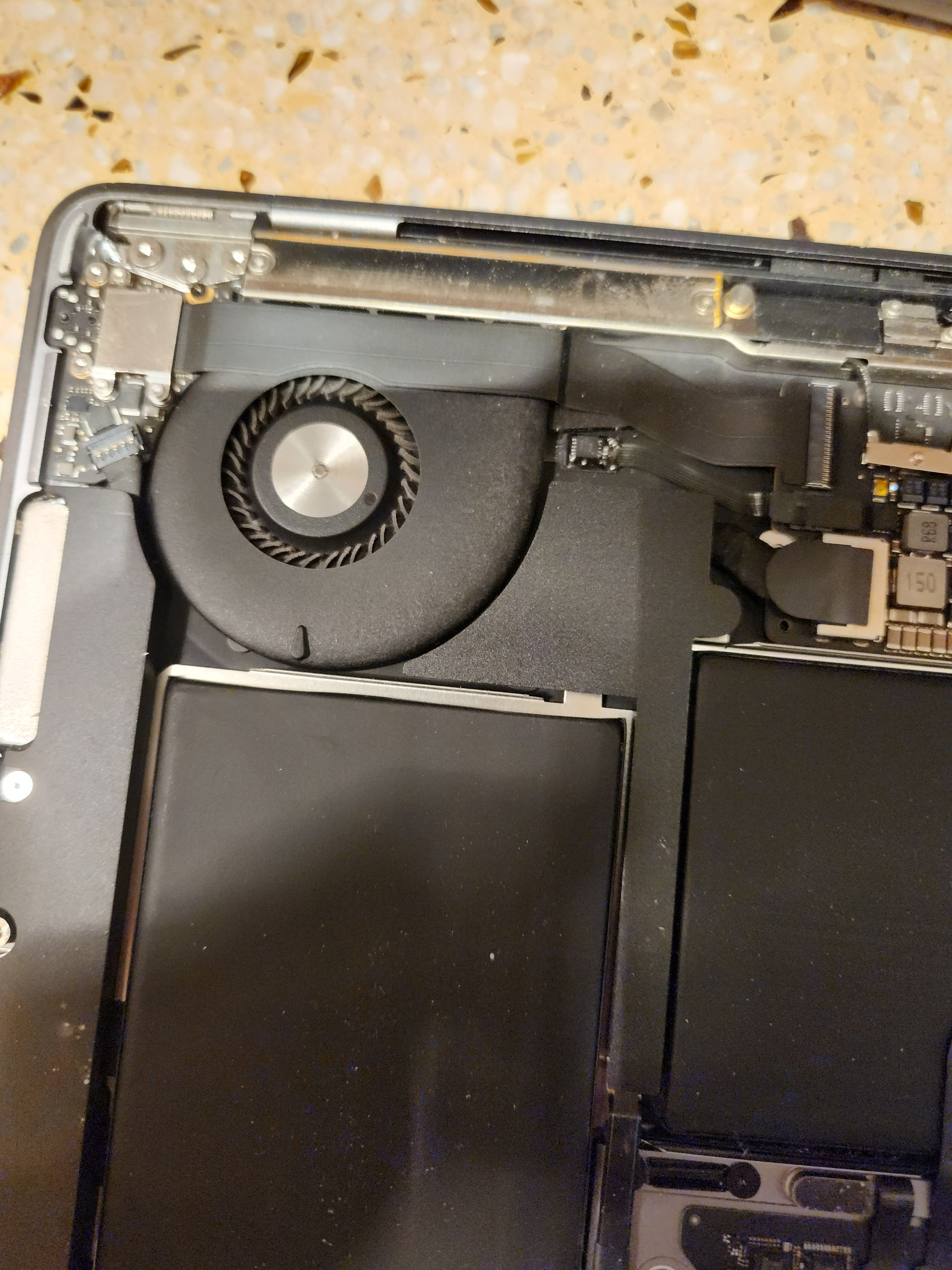
- internal dust removal
- fan and vent cleaning
- thermal paste inspection and replacement where needed
- airflow path check
- reassembly and temperature verification
When to get it done
If a laptop runs unusually hot, becomes loud during light work, or slows down after a few minutes of load, it is usually a good time to inspect cooling. This is especially important for gaming laptops, creator machines, and older ultrabooks.
Preventive maintenance is one of the most honest upgrades possible. It does not add fake features — it helps the device perform the way it was supposed to in the first place.