How to Plan a Custom PC Build Without Wasting Your Budget
A better PC build starts with the right priorities. Learn how to balance budget, use case, upgrade path, and parts selection before buying.
A custom PC should be built around how you actually use it, not around whichever part is trending that week.
Start with the real use case
Before choosing parts, define the purpose clearly:
- gaming
- video editing
- 3D rendering
- office / study
- programming
- AI / ML experimentation
Different workloads shift the budget in different directions. A gaming-focused machine may prioritize GPU value, while a workstation might need more memory, storage, or CPU headroom.
Budget mistakes people make
The most common problem is overspending on one flashy component while ignoring balance. For example:
- expensive CPU with weak cooling
- strong GPU with low-quality PSU
- fast core parts with too little storage
- premium case aesthetics with poor airflow
A better planning approach
- Define the maximum realistic budget
- Lock the main use case
- Choose a platform with a sensible upgrade path
- Allocate for reliability, not just raw specs
- Review current pricing before finalizing
Why consultation matters
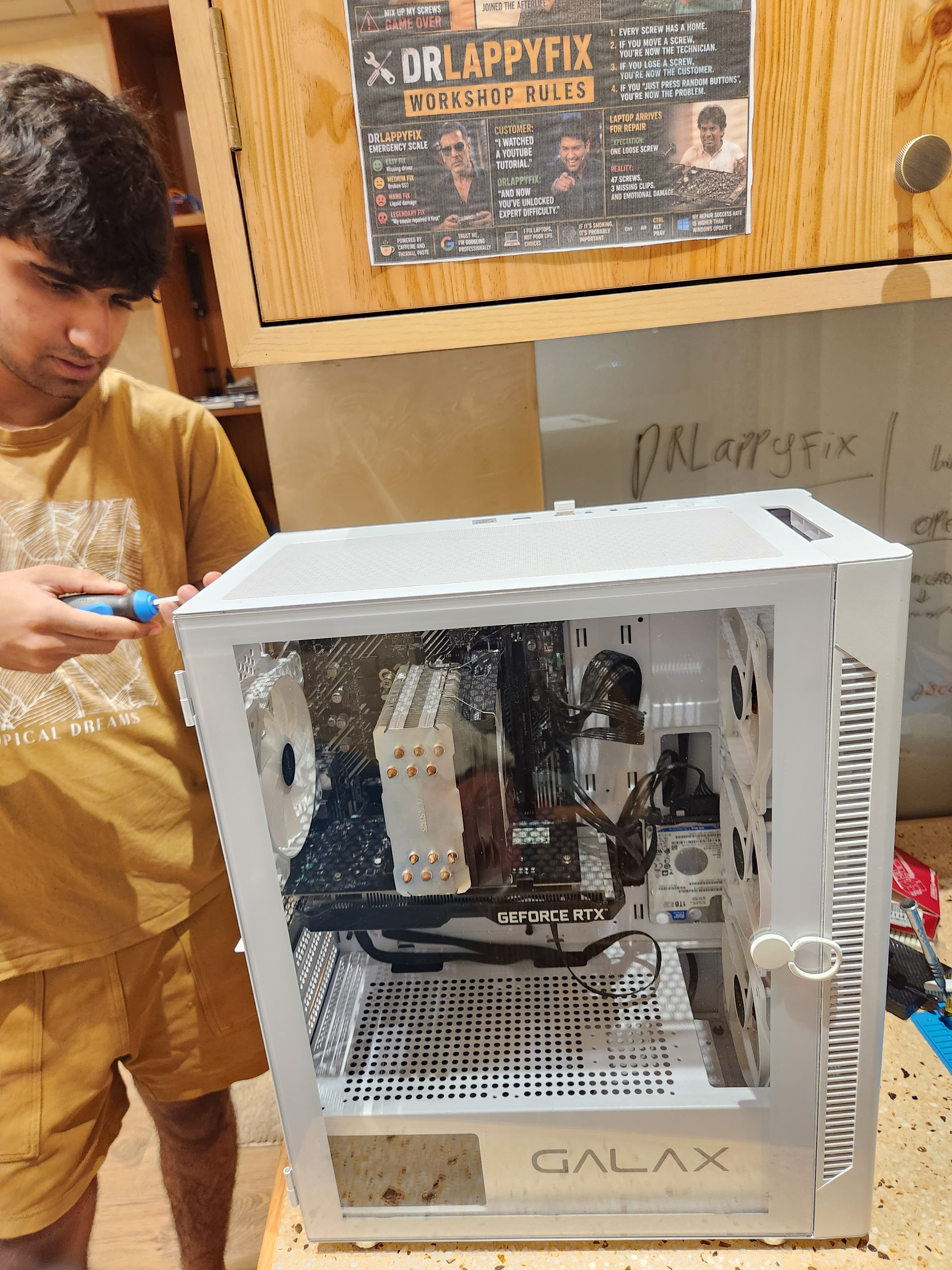
A build should reflect real pricing, part availability, and the customer’s priorities at the time of purchase. That is why DrLappyFix treats the on-site PC build section as a starting configuration, not a fake guaranteed quote.
The best build is not the loudest build on social media. It is the one that performs well, stays stable, and makes sense for your money.